I used to do live-streaming - and I built my own tools for it! - Zerg's Streaming Dashboard (Part 1)
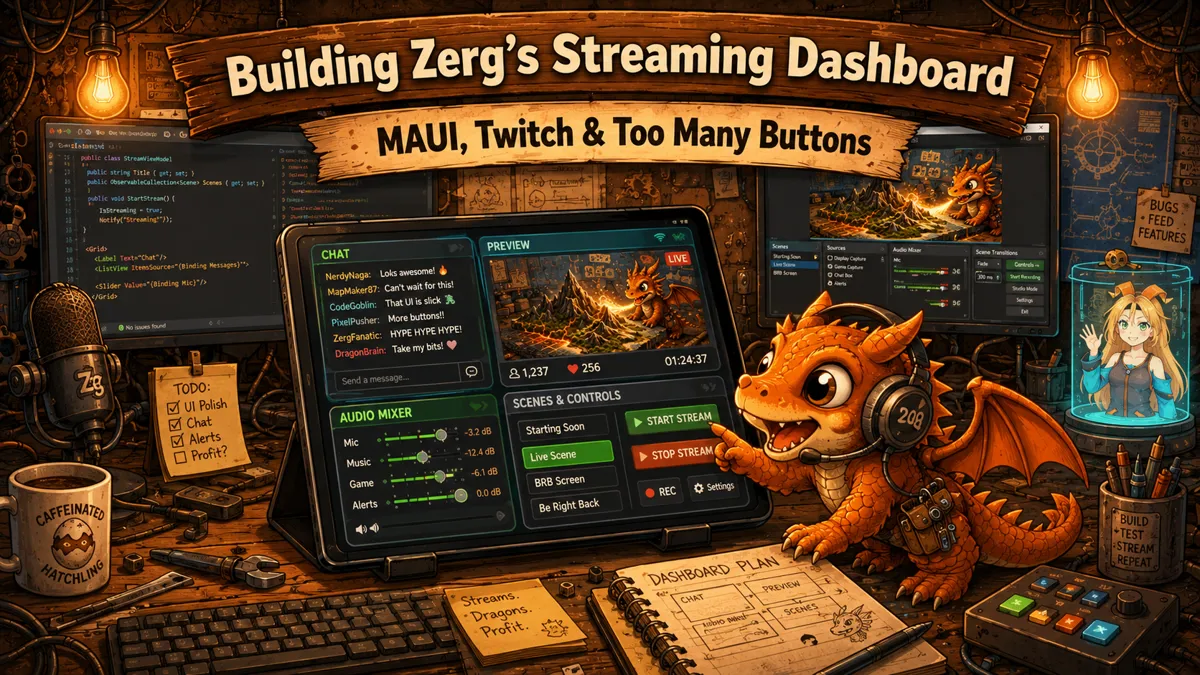
Did you know I used to do development livestreaming? It's true! Two times a week, I would go live on Twitch and do live .NET development on whatever I was doing at the time! I worked live on projects like LISA or my own streaming tools. And today, I want to show you the latter!
First off, why live streaming?
Because it's fun! You get to talk to other human beings about all kinds of stuff, like why COBOL is still a pain to work with or which browser (apparently) displays websites better. Or my personal favorite, help others get better by showing new ways to solve a problem, or what tools or strategies are useful in a certain situation and when they are not.
That doesn't mean everyone will agree with everyone 100% of the time, and that is fine. That's what a community is, a pool of humans with their own glorious opinions!
So what tools do you need?
Surprisingly not all that much.
You need a PC or laptop to work on, an internet connection, a streaming application, and a platform you want to stream to. Of course that still requires some knowledge to set it up, but that goes for everything these days. In my case, I streamed to Twitch using Open Broadcaster Software (OBS for short). It all sounds really complex... until you realize you only really need to press two buttons to get going, those being "Start" and "Stop"...
Everything else is optional, honestly. You don't need a camera, you don't need fancy notifications, you don't need background music (that's a whole other can of worms). You just need to be yourself. But it can help to do something interesting.
What did I do?
I mostly worked on LISA during livestreaming. It's fair to say, I didn't get a lot of work done... but that isn't really the point. Hanging out, doing something you like, that is the point. There are some archive videos on my YouTube channel if you're curious.
You can see me and all my glorious code! Hi me! 👋 You can say hi to LISA, too

So what's the problem?
The problem is, as corporate would call it, oversight.
When going live there are a couple of things you need to handle. You need to interact with your viewers by reading chat, you may need to intervene when someone is being rude and ban them from your broadcast. Or you want to mark a certain bit of your stream as memorable. More established broadcasters can also manage their advertisement time, when to show ads or when to postpone them. I am just a tiny no-name, so I didn't get to do the last one.
But with Visual Studio on my primary monitor and OBS on the secondary monitor and LISA's Control Panel relegated to the second virtual desktop (Ctrl + Windows + arrow key, if you have it enabled), I did not have an accessible place to put the community and broadcasting platform tools.
Introducing: Zerg's Streaming Dashboard
Because I like to make things difficult, I chose the only path I know is the hardest. I made my own tool.
I still had a tablet lying around, doing nothing. So I hooked it up to Visual Studio, started a MAUI project and got to work. But there is a lot of work that needs doing... so let's break it down by feature.
Technical stream management:
This is the side that OBS does: capturing video and audio from different sources, compositing it all together, sending the bytes to the platform (in my case, Twitch). I need to be able to raise or lower audio volume or even mute it with the press of a button and check the levels. It also handles different scenes and switching between them.
Broadcast information:
When you're watching TV, you can read the general information of the thing you're about to watch. Same idea here. This information is the title of a broadcast like: "LIVE .NET DEV DIVING INTO COM", together with a category, description, tags and other useful information.
Chat:
Livestreaming isn't (usually) one way, people can send messages! And as the good host that I am, I need to be able to read them!
Preview:
Just to make sure everything is going to plan, a small video player showing what is happening on-stream.
There were a lot of challenges to tackle with this project, too many to go through in just one blog post. So this will be its own mini-series diving into the Twitch API, OBS's WebSockets and how to keep it all flowing nicely when there are a kazillion messages trying to get processed. So keep an eye open for the next article! Or subscribe to the newsletter down below so you get the weekly lab notes written by LISA herself (she is silently judging me from her corner, scribbling something in her notebook with terrifying concentration).
And if you're curious about the app, I did actually release on the Google Play Store: https://play.google.com/store/apps/details?id=com.crossage.zergsstreamingdashboard&pcampaignid=web_share
 What did you think?

